
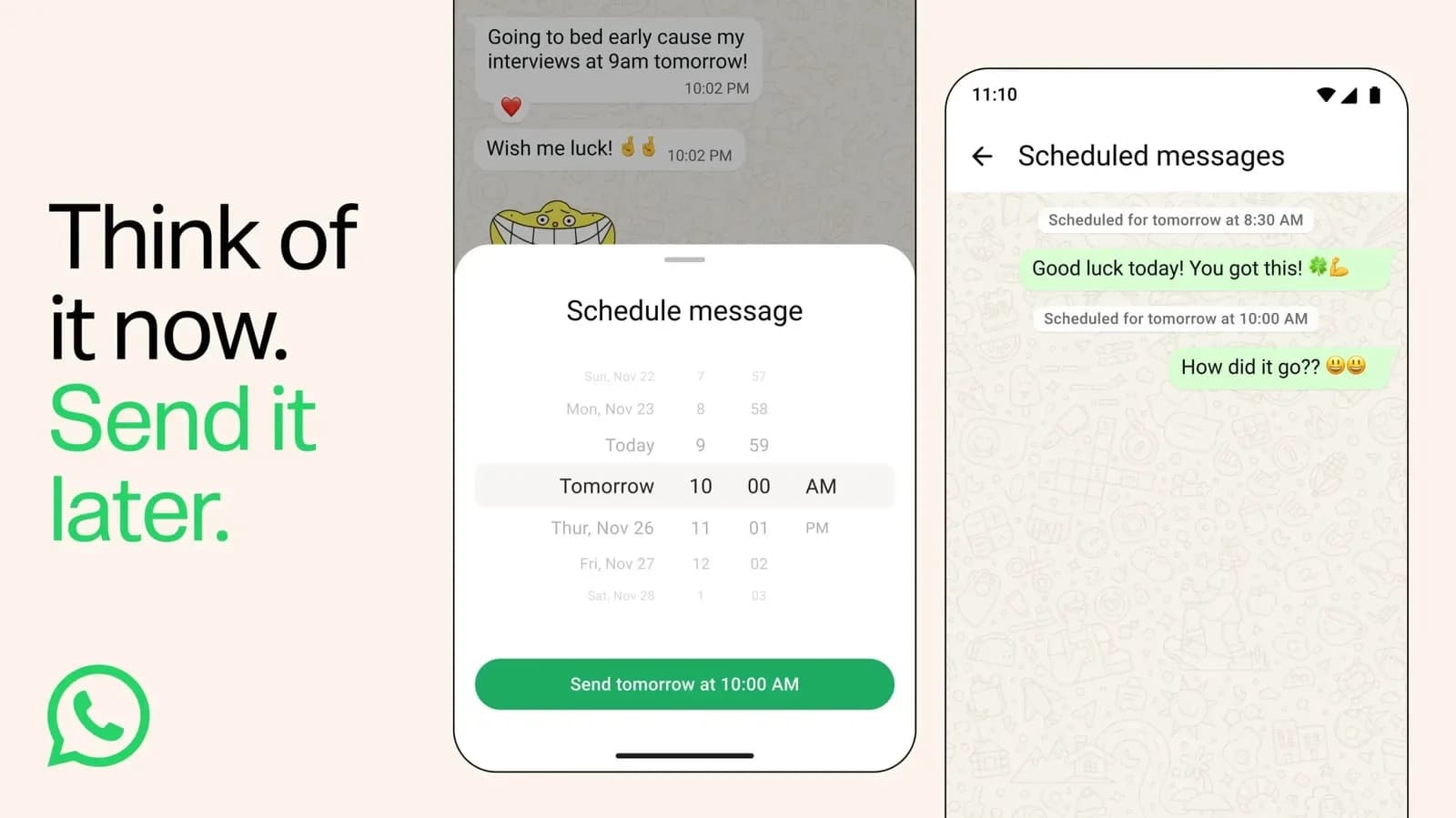
How to schedule or cancel a message
Once the feature reaches your account, write a message or attach a photo or video, then press and hold the send button to choose a date and time. The option may not appear right away because WhatsApp is rolling it out over several weeks.
Recipients won't see a label indicating that a message was scheduled. You can review pending messages and delete them before they go out. If a meetup venue changes, for example, you can cancel the queued photo of the old location and schedule a replacement.
Sources: WhatsApp is finally offering scheduled messages.
When scheduling is useful
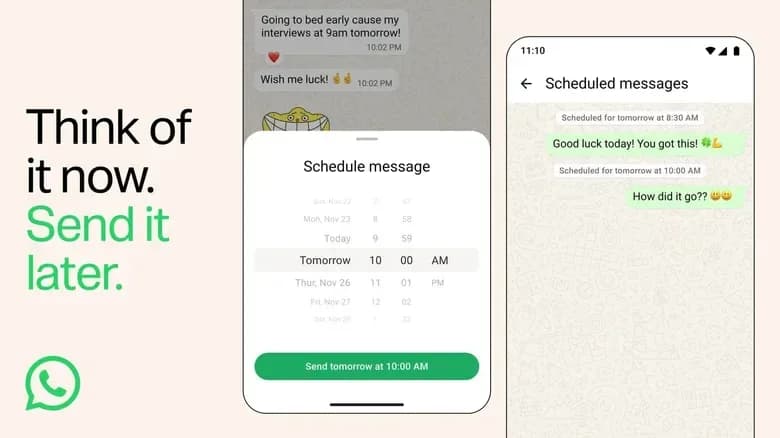
The 14-day limit gives you enough room to queue directions for the morning of next week's group trip, but not to set a reminder months ahead. The 10-minute minimum also means you can't use the scheduler to send something five minutes from now.
If you're timing a birthday greeting for midnight in another city, check the time difference before choosing a send time. WhatsApp says scheduled personal messages are end-to-end encrypted, just like other personal messages on the service.