You unlock the phone first
Engadget traces the rename to 2023. The difference is in what the name tells you: Smart Lock suggested that Android could decide when to keep the phone unlocked, while Extend Unlock spells out what happens. You unlock the phone first, and Android can keep it unlocked under conditions you choose.
Sources: Why did Android change the name of its Smart Lock feature?.
What you’re trusting when you turn it on
Extend Unlock offers three options. On-body detection can keep the phone unlocked while you carry it. Trusted places can keep it unlocked at locations you choose, and Trusted devices can do the same while the phone is connected to a Bluetooth device you’ve selected.
Those conditions don’t necessarily mean you’re the person holding the phone. If you add your home as a trusted place and hand your already unlocked phone to a visitor there, it can stay unlocked in their hands.
Sources: Why did Android change the name of its Smart Lock feature?.
Where to find it and how Watch Unlock differs
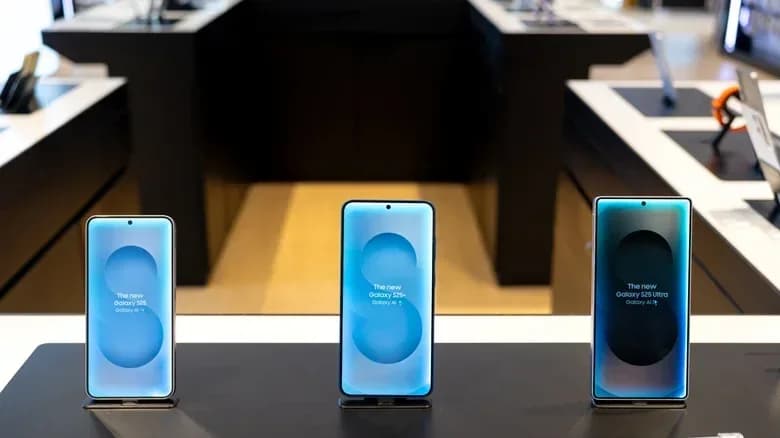
Look for Extend Unlock under Settings > Security & privacy > More security & privacy. The path can vary by phone. From there, you can add trusted locations or select a Bluetooth device you’ve already paired.
Pixel’s Watch Unlock works at a different point: it can unlock a phone that’s already locked when a compatible paired Pixel Watch is unlocked, on your wrist, and nearby. Extend Unlock, by contrast, can postpone the next lock after you’ve already unlocked the phone.
Sources: Why did Android change the name of its Smart Lock feature?.