Using Chrome for AutoFill does not mean switching browsers
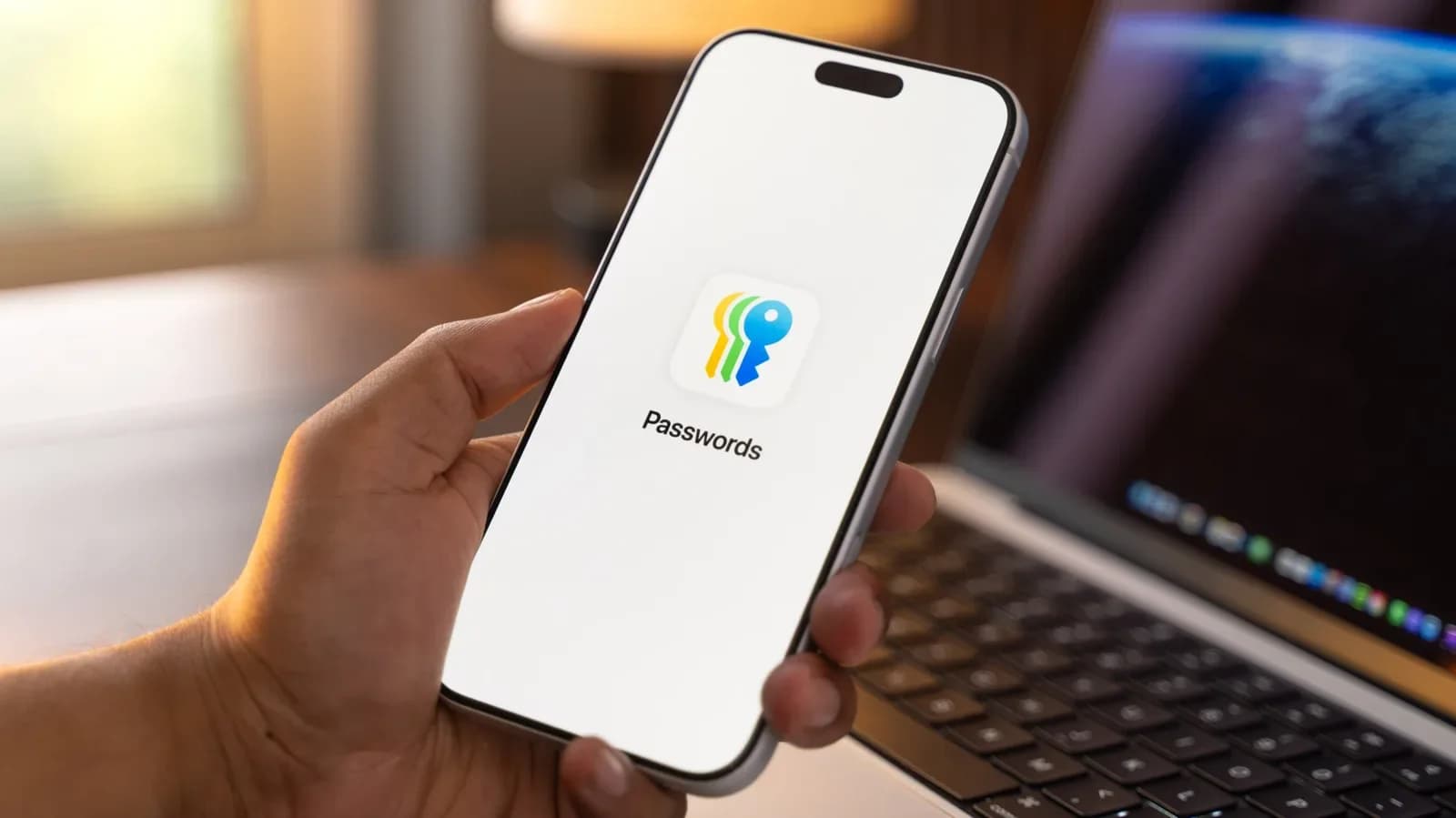
Apple Passwords is a standalone iPhone app that is ready to use when you set up the device. Google Password Manager is available through Chrome and on the web, and it stores logins in your Google account. To let your iPhone offer those logins in other apps and browsers, enable Chrome in Settings > General > AutoFill & Passwords.
Both managers flag weak or reused passwords and warn about leaked credentials. Apple is the simpler starting point if you mainly use an iPhone and a Mac, and iOS 26 adds a password history so you can look up an earlier password after changing it. Apple also offers Windows access through iCloud for Windows and a browser extension, but it has no Android app. If you regularly switch between an iPhone and an Android phone, Google's manager lets you keep using credentials saved to the same Google account.
Sources: How Are Apple Passwords And Google Password Manager Different?.
Check which manager saves each new passkey
The iPhone saves passkeys to Apple Passwords by default. According to Engadget, Chrome can save them to Google Password Manager on iOS 17 or later if Chrome is enabled for AutoFill and you have set up a Google Password Manager PIN.
You can keep both managers enabled while you switch. If you move from Android to iPhone, for example, you can keep using your existing Google logins while saving new ones in Apple Passwords. The trade-off is having two places to look for credentials. Before saving a passkey, check which manager the prompt names, especially if you expect to sign in on another device.
Sources: How Are Apple Passwords And Google Password Manager Different?.

Test important logins before leaving the old manager
To move saved passwords from an iPhone, go to Settings > Apps > Safari > Export, select Passwords, and save the export to Downloads. Then import it into the manager you plan to use. Treat that as a password transfer, not a backup of your passkeys. Before relying on the new manager, test a few important sign-ins and check any accounts where you use a passkey. Delete the exported password file when you no longer need it.
Sources: How Are Apple Passwords And Google Password Manager Different?.