On iPhone, screen unknown senders and filter spam
In Messages, tap the menu button at the top right of the conversation list, choose Manage Filtering and turn on Screen Unknown Senders. Depending on your country or region, you may be able to keep alerts for time-sensitive messages such as verification codes. If you’re expecting a first text from a repair technician whose number you haven’t saved, check filtered messages before assuming they never wrote.
Filter Spam is a separate switch in the same menu. It silences notifications for messages identified as spam and moves them to the Spam list.
If business alerts are also cluttering your inbox, check Settings > Apps > Messages. Depending on your carrier and location, you may see controls for RCS Business Messages or Business Updates under Apple Messages for Business. Turning those off can reduce routine alerts, but consider whether you still want order or transaction updates by text.
Sources: How to block spam texts on iPhone and Android.
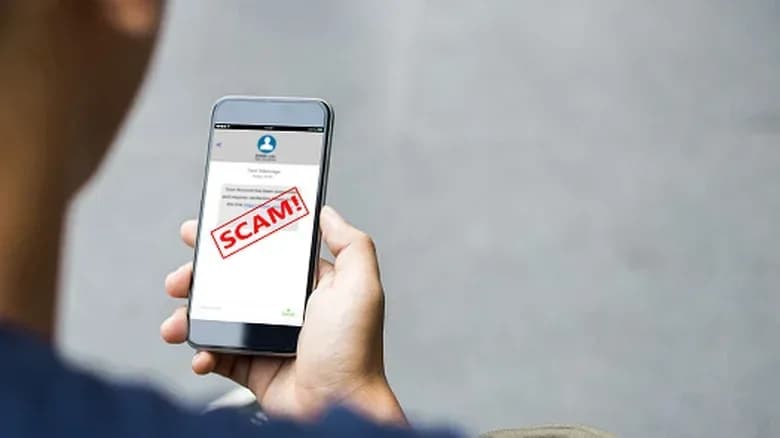
On Android, check Google Messages spam protection
Open Google Messages, tap your profile photo in the top right, then go to the app’s settings and open Protection and Safety. Turn on Spam protection.
Google also describes an optional Enhanced protection mode that uses Gemini to detect suspected scams and check links. Even with protection enabled, don’t treat the absence of a warning as proof that a message is safe.
Sources: How to block spam texts on iPhone and Android.
Report suspicious texts and verify claims separately
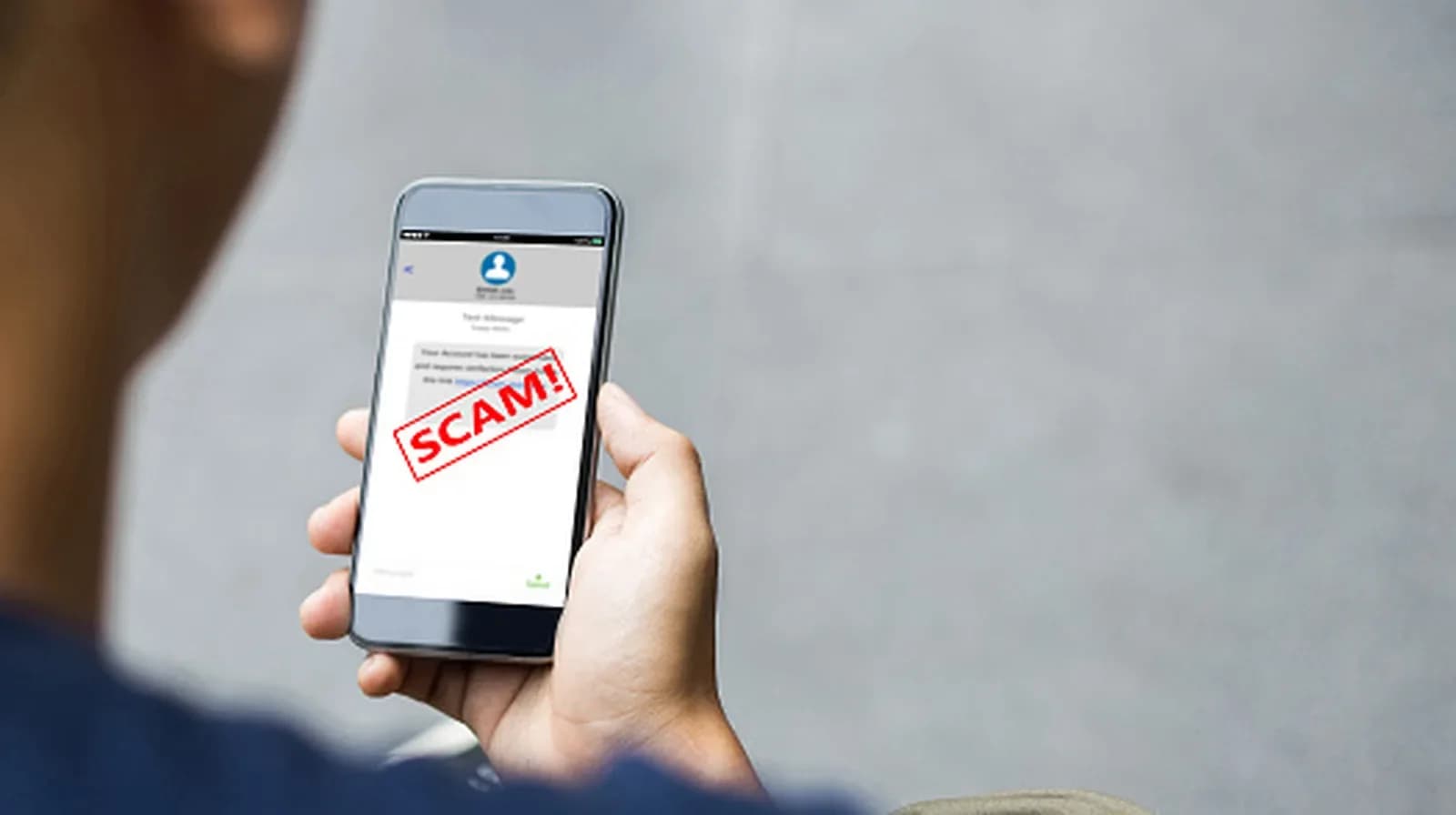
Consumers reported losing about $470 million in scams that started with a text in 2024, according to the Federal Trade Commission. If an unexpected text claims there’s a delivery problem, don’t reply or tap its link. Check the order in the retailer’s app or go directly to the shipping carrier’s website instead.
In the US and UK, you can forward suspicious texts to 7726 (SPAM). The FTC says forwarding helps wireless carriers identify and block similar messages. In the US, you can also report fraud directly to the FTC.