An OBD-II adapter supplies the readings standard CarPlay lacks
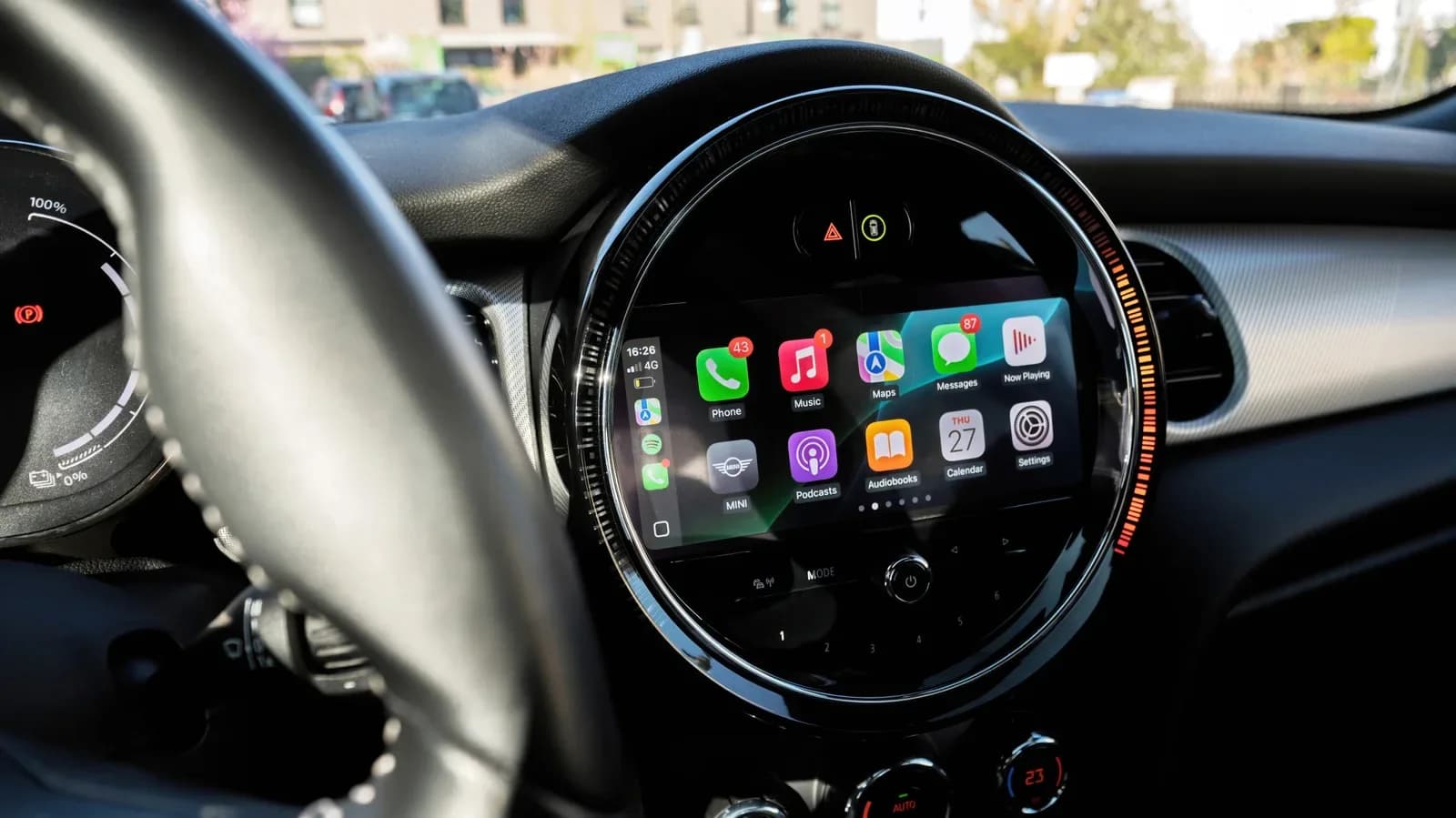
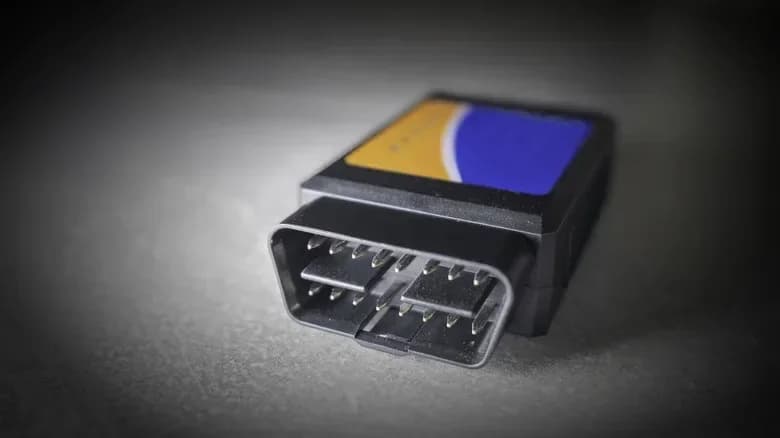
Standard CarPlay displays compatible iPhone apps on the car’s screen, but it doesn’t automatically give those apps access to vehicle diagnostics. An OBD-II adapter sends diagnostic readings to a compatible iPhone app. Engadget reports that iPhone-compatible adapters can be found for under $50.
WrenchTime Pro turns diagnostic readings into gauges you can watch as they update. It also logs trips and alerts you to serious faults. Pelican pairs diagnostic readings with directions powered by OpenStreetMap, so you can use one app for both. Before buying an adapter, check that it works with your chosen app.
Sources: Monitoring your car's performance with CarPlay is easier than you think.
Fuel and mileage logs don’t need a scanner
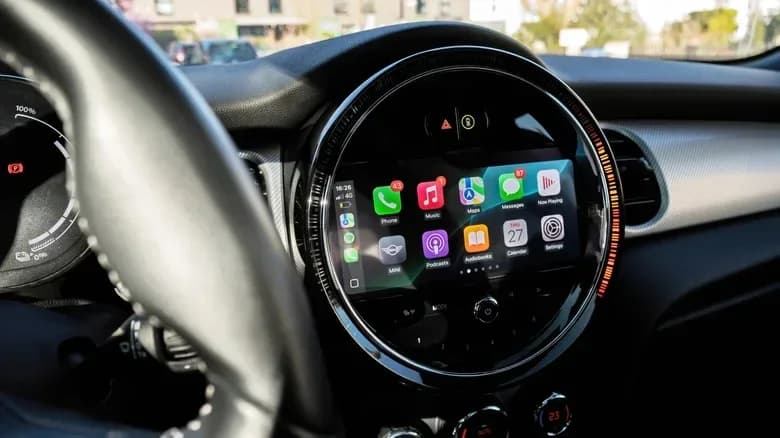
Fuelio uses your fill-up history to track fuel economy and spending. That lets you compare costs from one tank to the next, but it won’t show what the engine was doing on a particular stretch of road.
If you want to log mileage, Trip Logbook can record journeys manually or automatically. A premade shortcut lets you use Siri voice commands.
Sources: Monitoring your car's performance with CarPlay is easier than you think.
An adapter doesn’t turn standard CarPlay into CarPlay Ultra
Apple rolled out CarPlay Ultra in 2025. On compatible cars, it can customize the digital instrument cluster behind the steering wheel and monitor or adjust some vehicle systems. Engadget reported that Aston Martin was the only automaker with CarPlay Ultra-equipped vehicles on the road at the time of publication.
An OBD-II adapter gives an app a way to read diagnostic data. It doesn’t give standard CarPlay the deeper integration Ultra uses to customize the instrument cluster or adjust vehicle systems.
Sources: Monitoring your car's performance with CarPlay is easier than you think.