Start with the controls you reach for most
Decide where a dedicated screen would save you the most effort. On a desk, that might mean quick access to a lamp and speaker volume. By the front door, a doorbell camera feed might be more useful than a list of every bulb in the house.
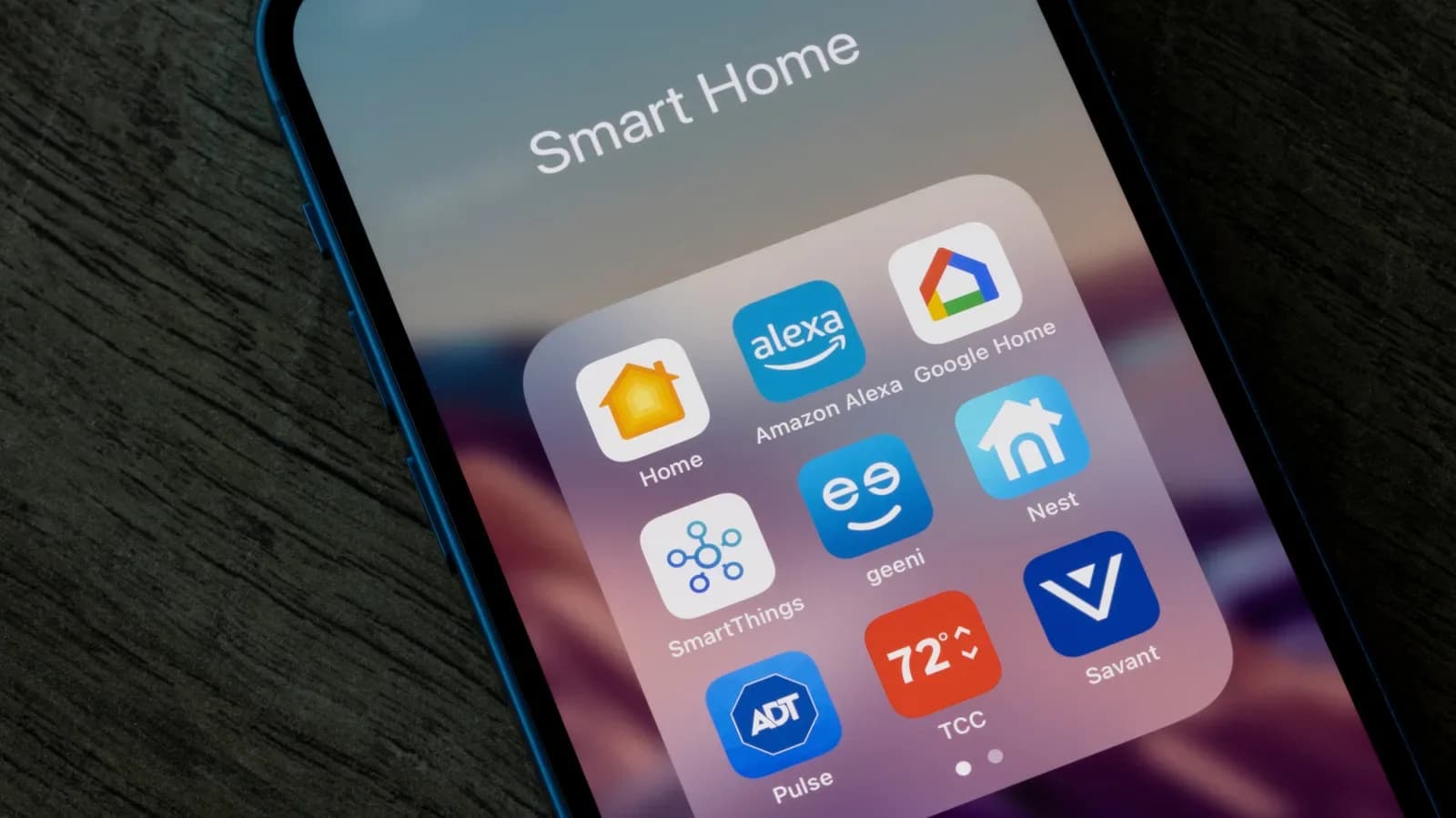
Start with Google Home on Android or Apple’s Home app on iPhone if that’s where you already manage your accessories. Google Home can bring compatible devices from brands such as Philips Hue, TP-Link Kasa and Govee into one app, even if they don’t all use Matter. Before settling on a spot for the phone, try the controls you expect to use there.
Sources: Why you should consider using your old phone as a smart home remote.
Make the screen ready when you need it
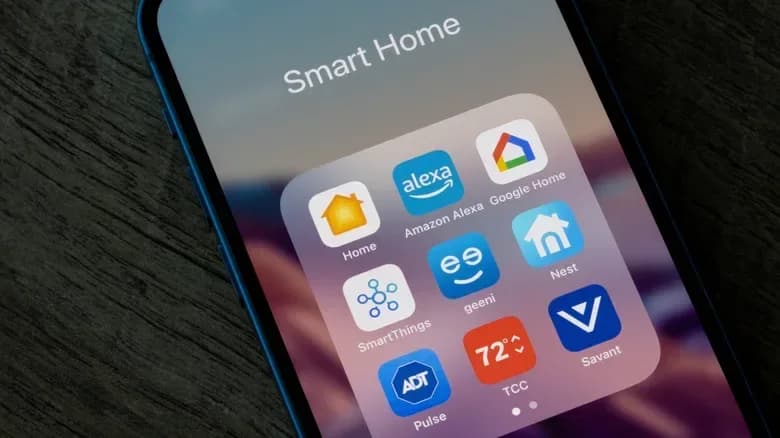
On Android, the Stay awake setting in Developer options keeps the display on while the phone is plugged in. On iPhone, Engadget points to Guided Access under Settings > Accessibility as a way to keep the phone in the dashboard app. Unlike Android’s Stay awake setting, Guided Access also restricts the phone to a single app during a session.
Try a stand near an outlet before committing to a mount. Engadget’s Calvin Wankhede used a magnetic ring and a wireless charging stand with his spare Android phone, but a basic stand and cable are enough to test the location. If the screen will sit in a shared hallway, consider whether you want a live camera view visible to everyone who passes it.
Sources: Why you should consider using your old phone as a smart home remote.
Customize the dashboard only if the default layout falls short
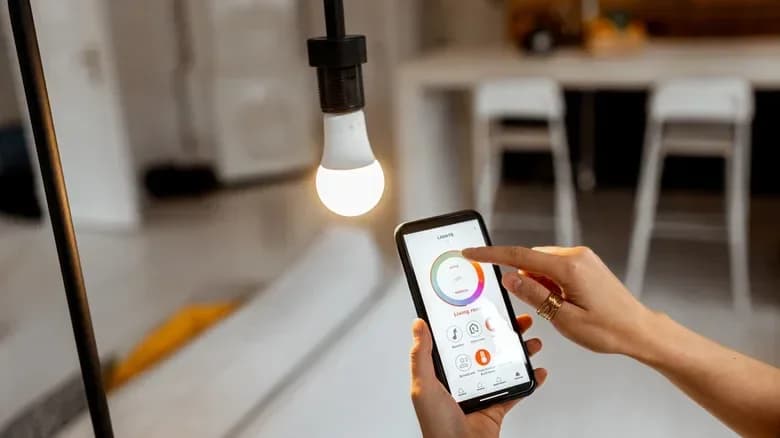
If you want a clock, weather and music controls alongside your accessories on an iPhone, Engadget points to HomeDash and HomePad as alternatives to the default layout in Apple’s Home app. On Android, a standalone app such as HomeHabit can connect directly to some smart home systems, including Philips Hue, rather than going through Google Home.
Home Assistant gives you more control over what appears on the screen. For example, you could put a lamp toggle, a vacuum control and the weather on one dashboard. The tradeoff is that the spare phone only displays the dashboard: a separate host, such as a Raspberry Pi or mini PC, needs to stay on to run Home Assistant. If the app you already use puts the right controls within reach, you don’t need that extra setup.
Sources: Why you should consider using your old phone as a smart home remote.