Choose a charging limit that fits your day
If you usually get to bedtime with charge to spare, try an 80% limit. If you expect to spend a long day away from an outlet, starting at 100% gives you 20 more percentage points to work with. Engadget notes that a battery can wear faster when it sits at full charge for long periods. If you want a full charge without using a fixed cap, look for a mode designed to reduce how long the battery stays at 100%, such as Optimized Battery Charging on iPhones or Adaptive Charging on Pixels.
On an iPhone 15 or later, open Settings, then Battery, then Charging to choose a limit between 80% and 100%. On older iPhones, look for Optimized Battery Charging under Battery Health & Charging. On a Pixel, open Settings, then Battery, then Battery health, then Charging optimization. The 80% limit is available on the Pixel 6a and later. On Galaxy phones running One UI 6.1, the Maximum option under Settings, Battery, then Battery protection stops charging at 80%.
Sources: 5 charging mistakes that could ruin your phone's battery life.
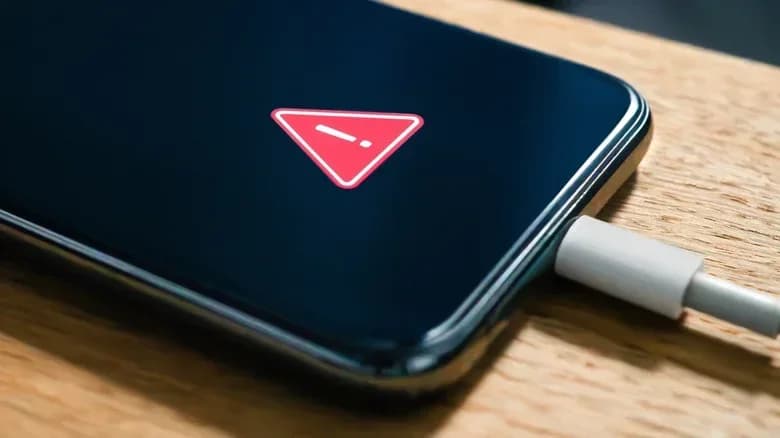
If the phone gets hot, change the setup
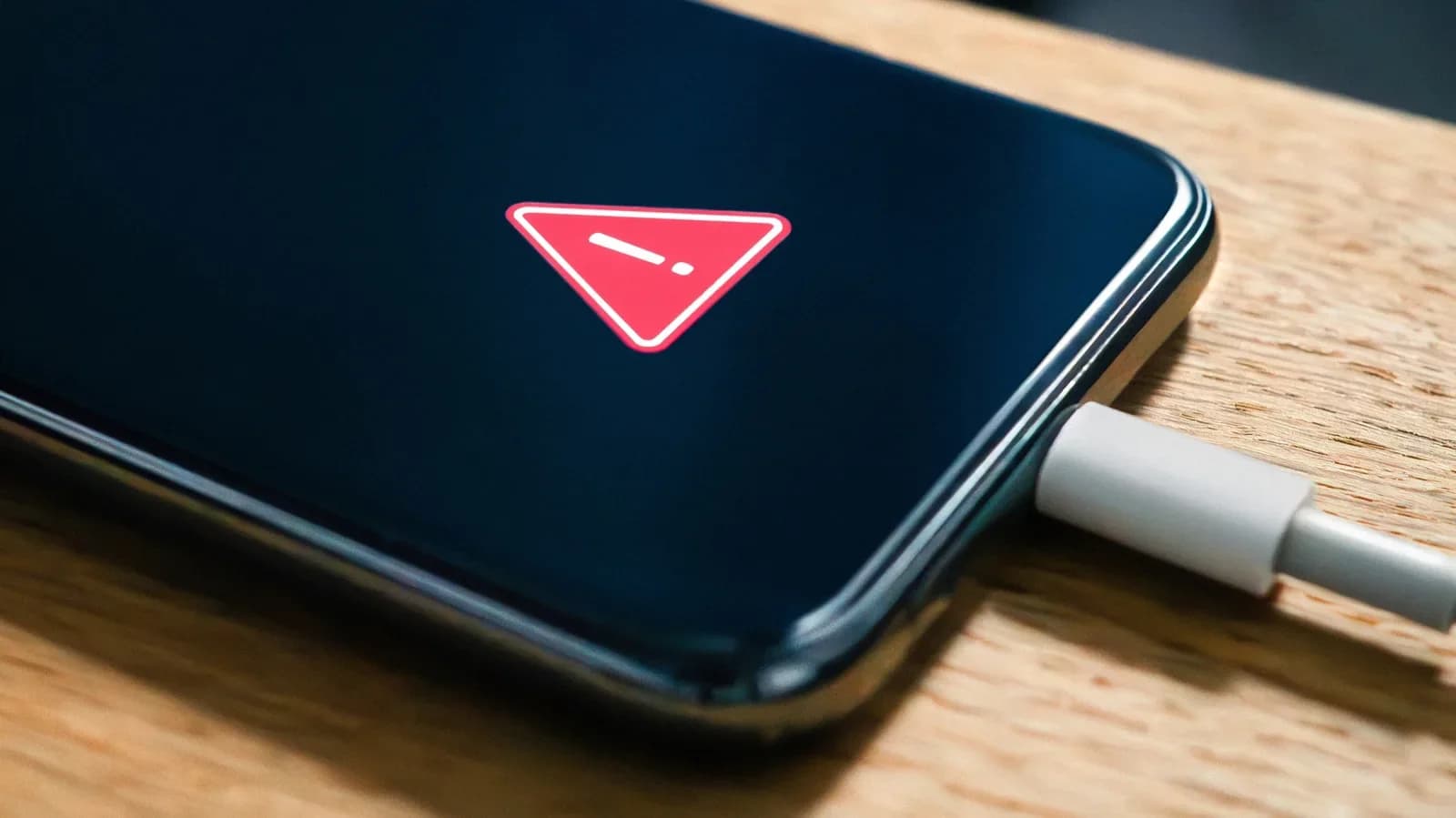
A charge limit does not solve overheating. Charge on a hard, uncovered surface out of direct sun, rather than under bedding or in a hot parked car. If a game or video stream is already warming the phone, finish using it before plugging in. If it gets unusually hot while charging, unplug it, close demanding apps and let it cool before trying again.
If wireless charging slows or stops, center the phone on the pad, try removing the case and check that no cards or metal objects are between the phone and charger. For wired charging, stop using a frayed cable and replace it with an original or certified cable that meets the phone’s listed ratings.
Sources: 5 charging mistakes that could ruin your phone's battery life.
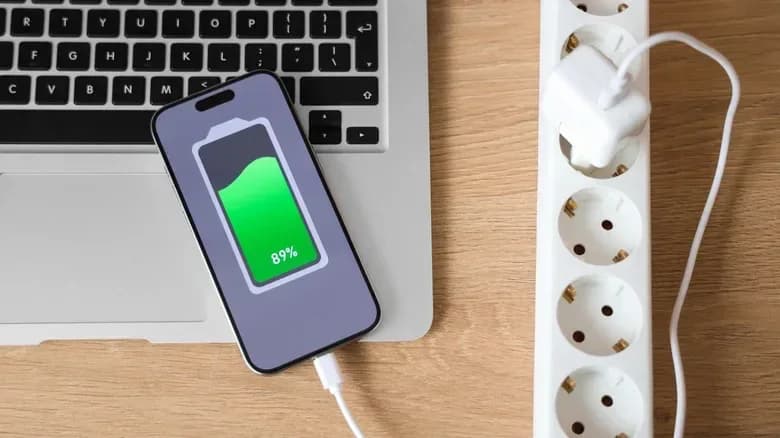
Top up as needed, but store a spare half charged
You don’t have to wait for 0% to plug in. A charge cycle counts cumulative battery use: 40% one day and 60% the next adds up to one cycle, even if you top up in between. For long-term storage, charge the phone to about 50%, switch it off and bring it back to around 50% after six months. A phone left fully drained for an extended period may stop holding a charge.
Sources: 5 charging mistakes that could ruin your phone's battery life.