Start with the Bluetooth connection
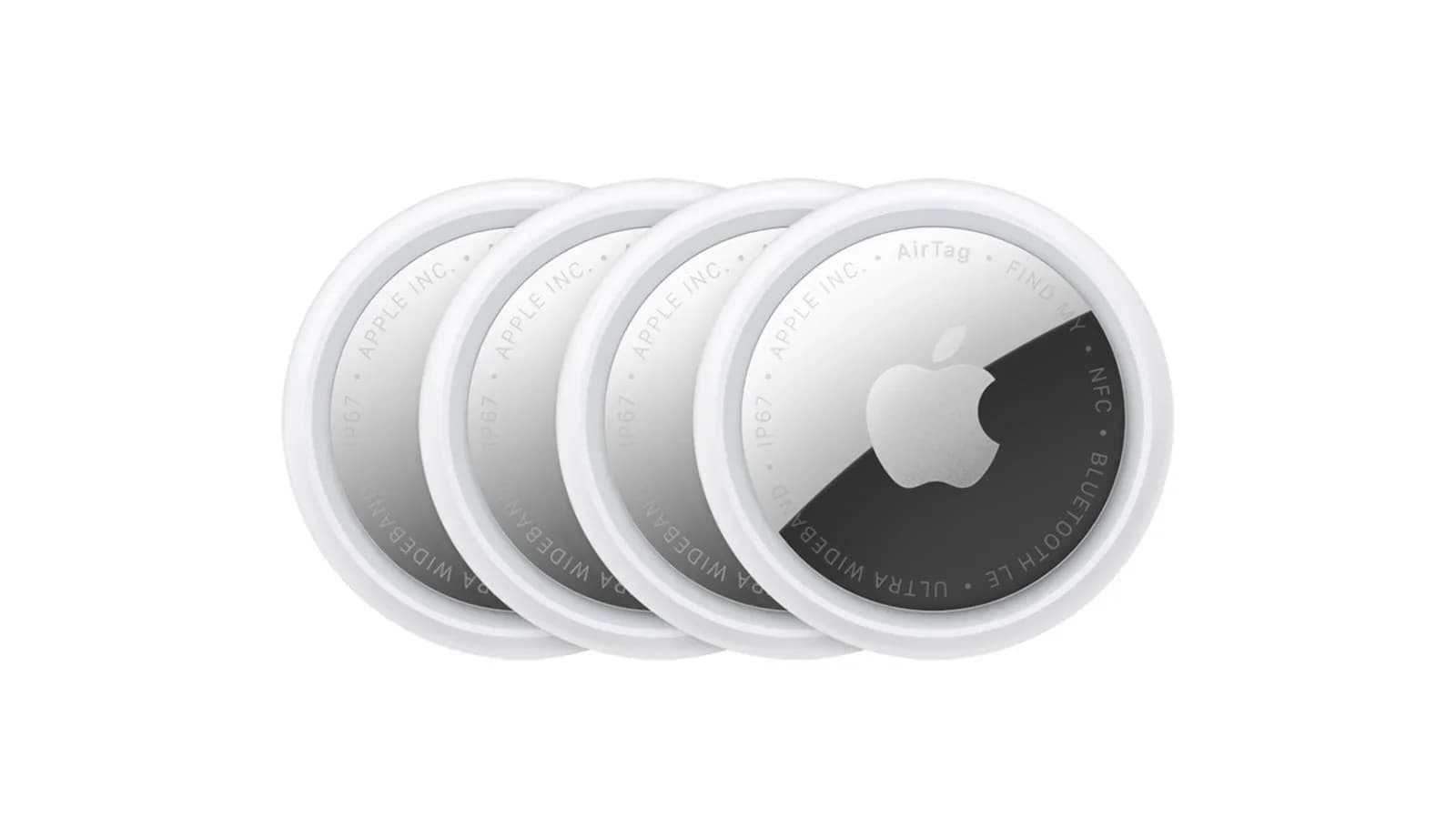
If you’re trying to locate your own AirTag, you can ask it to play a sound in the iPhone’s Find My app. Engadget reports that the tag also chimes at the start and end of setup, so not every sound points to a problem.
An unexpected beep can be part of Apple’s anti-stalking design. Engadget reports that an AirTag can make a sound when moved after it has spent time out of Bluetooth contact with its paired iPhone. For example, if you lend someone a suitcase with your AirTag inside, they might hear it when they move the bag later. If your own tag beeps while it’s near your iPhone, Engadget suggests turning Bluetooth off and back on.
Sources: Common reasons your Apple AirTag will randomly beep.
Check whether your iPhone shows a tracking alert
With Location Services and Tracking Notifications enabled, your iPhone can warn you if it detects an unfamiliar tracker moving with you over time. The AirTag itself can also make a sound, which may help you locate it. The phone notification and the tag’s beep are separate ways of drawing attention to the tracker.

Sources: Common reasons your Apple AirTag will randomly beep.
Treat low battery as a possibility, not a diagnosis
Engadget lists a low battery as another possible explanation, but a beep alone doesn’t establish that the battery needs replacing. If you do need to replace it, the AirTag uses a CR2032 lithium coin cell. No special tools are needed: press down on the metal back, turn it counterclockwise, lift off the cover and swap the cell.
Sources: Common reasons your Apple AirTag will randomly beep.